
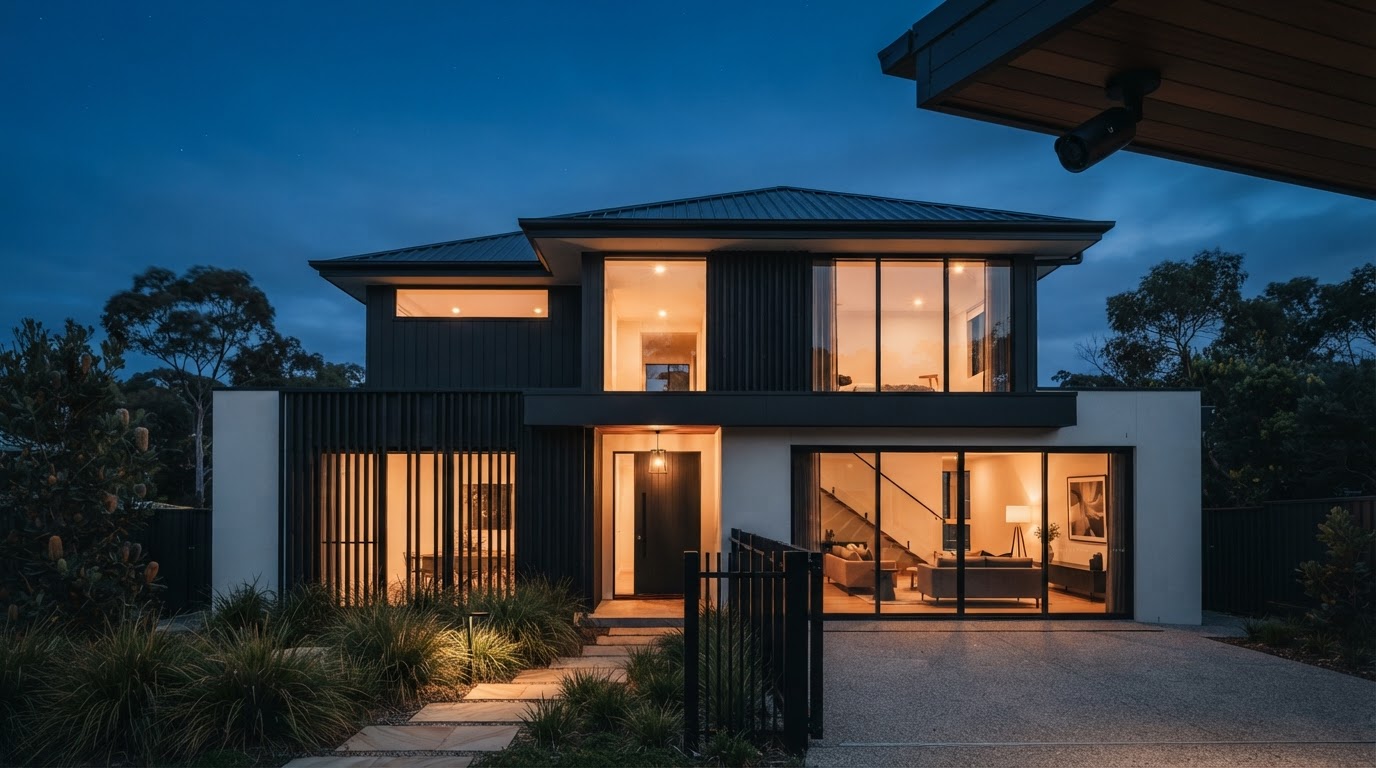
Security systems designed around your property.
Security doesn't begin with choosing a camera. It begins with understanding the property. SCKA designs professional security systems for homes and light-commercial properties across the Gold Coast and Brisbane — combining exterior CCTV and active deterrence with internal intrusion detection to create multiple layers of security.
Security is a system. Not a product.
Installing cameras without considering the wider property can leave blind spots, vulnerable approaches and gaps between exterior surveillance and internal protection.
SCKA considers the complete picture:
- Where can someone approach?
- Where can they enter?
- What can the cameras see?
- What can't they see?
- What happens if someone gets inside?
- What happens if power is interrupted?
- How will footage be recorded?
- How will the owner access and understand the system?
Those questions determine the design.
Exterior CCTV & active deterrence.
SCKA installs Dahua TiOC Pro cameras — 8MP surveillance combined with active deterrence through red and blue warning lights and audible sirens. The objective isn't only to record an incident after the fact; it's to create a visible and audible response while the person is still outside.
Where the property calls for it, an 8MP Dahua 180-degree panoramic camera can be incorporated for wider coverage of open frontages and yards.
Explore security cameras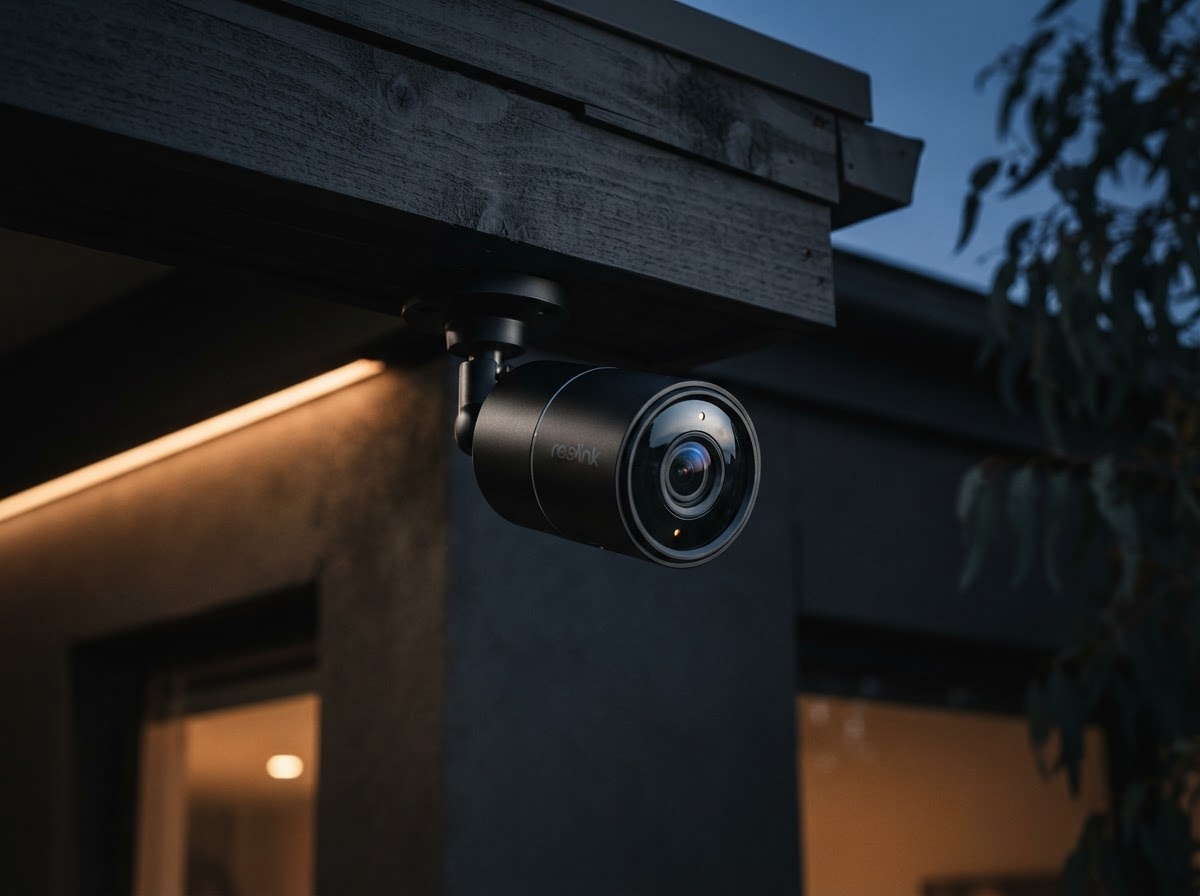
Internal detection.
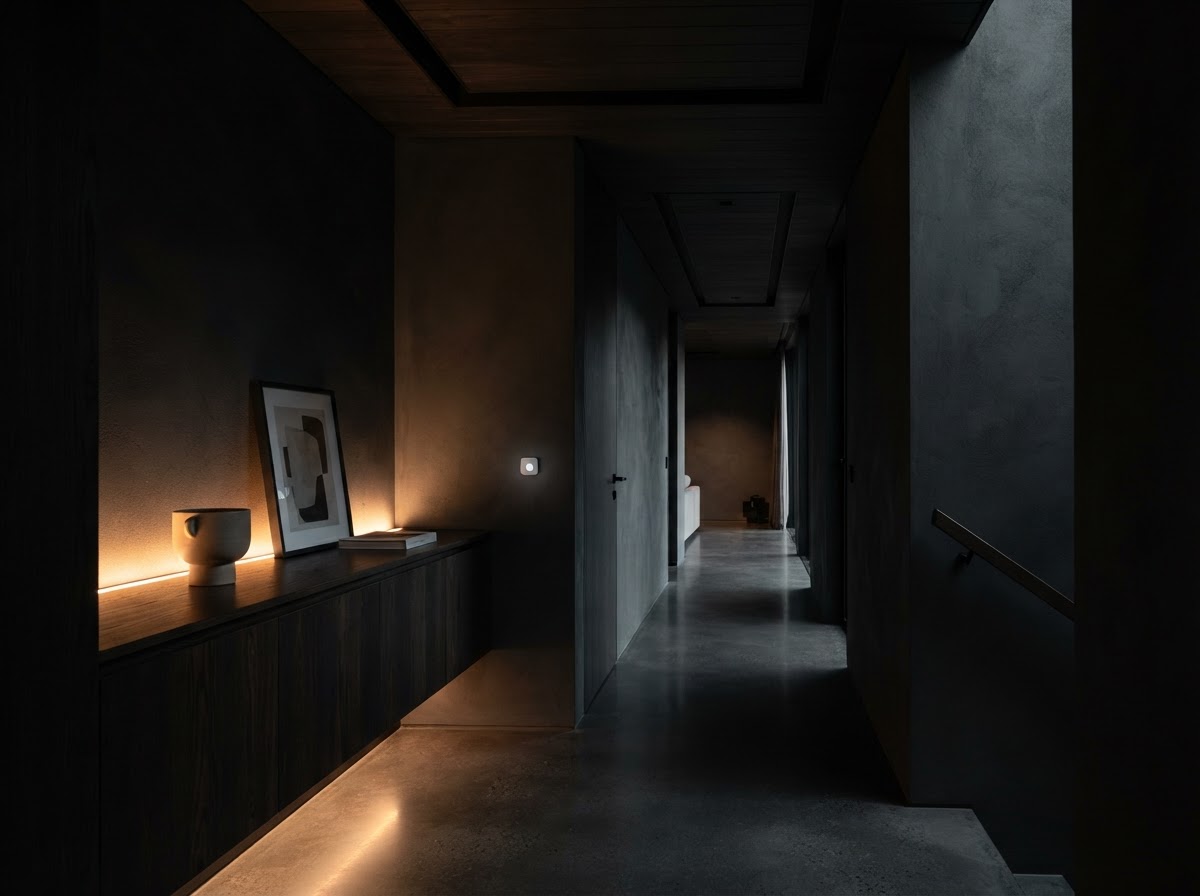
Exterior cameras can't cover every possible scenario. Dahua Wireless AirShield provides an additional internal intrusion-detection layer, helping protect the property if someone moves beyond the exterior perimeter.
One system watches outside. The other protects inside. Designed together, they behave as one.
Explore internal detectionRecord.
SCKA systems can include an 8-channel Dahua NVR with 4TB storage — central recording on the property, with capacity for compatible future camera additions where system capacity permits. Footage is recorded locally and accessible through the app for live viewing and playback.
Stay online.
A security system shouldn't become useless simply because mains power disappears. SCKA systems can include an uninterrupted power supply (UPS) to provide temporary backup power to critical security equipment during a power interruption. That gives the system valuable additional operating time when continuity matters. Runtime depends on the equipment load and UPS capacity — we don't universally guarantee an exact figure.
Installed once.Supported for five years.
An SCKA system isn't fitted and forgotten. Eligible systems include extended warranty and ongoing support designed to keep the system useful long after installation day.
5-Year Extended Warranty
Extended from the ordinary two-year warranty period to five years, subject to applicable SCKA warranty terms.
Footage Retrieval Assistance
SCKA provides footage-retrieval assistance during the applicable five-year support period.
App Coaching
SCKA provides assistance understanding and using the security app throughout the applicable five-year support period.
System Check-Ins
Approximately 7 days, 30 days and 365 days after installation.
From assessment to ongoing support.
Assess
Understand the property and likely security considerations.
Identify
Identify visible approaches, access points, blind spots and coverage requirements.
Design
Determine CCTV coverage, internal detection and supporting equipment.
Install
Professionally install the system.
Connect
Configure recording, app access and relevant system functions.
Test
Check coverage, recording, detection and operation.
Handover
Show the customer how to use the system.
Support
Continue supporting the customer after installation.
Start with a free security risk assessment.
Send SCKA photos of your property. We'll review the layout remotely and consider likely access points, visible blind spots and coverage requirements based on the information provided — then recommend a security approach. Free, remote, no obligation.